Your POS terminal is the busiest piece of equipment in your shop. Every sale, every receipt and every stock update passes through it, often hundreds of times a day. Pick the wrong one and you feel it in slow queues, cramped counters and a screen that gives up long before it should. Pick the right one and it quietly pays for itself.
Here is how we help customers at our Computer Village store in Ikeja narrow down the choice.
1. Start with how you sell, not with the spec sheet
Before comparing processors, picture a normal busy hour at your counter:
- How many transactions do you ring up per hour, and how many cashiers share a terminal?
- How much counter space do you actually have?
- Do customers need to see what is being rung up, or would you like to show them promotions while they wait?
- Do you sell by weight, such as groceries, fresh produce or bulk items?
Your answers decide most of what follows.
2. Single screen or dual screen?
A single-screen terminal keeps things compact and affordable. The iSeries i10 is a good example: one touch screen, a 120GB SSD and 4GB of memory, which is plenty for a boutique, pharmacy or small restaurant.
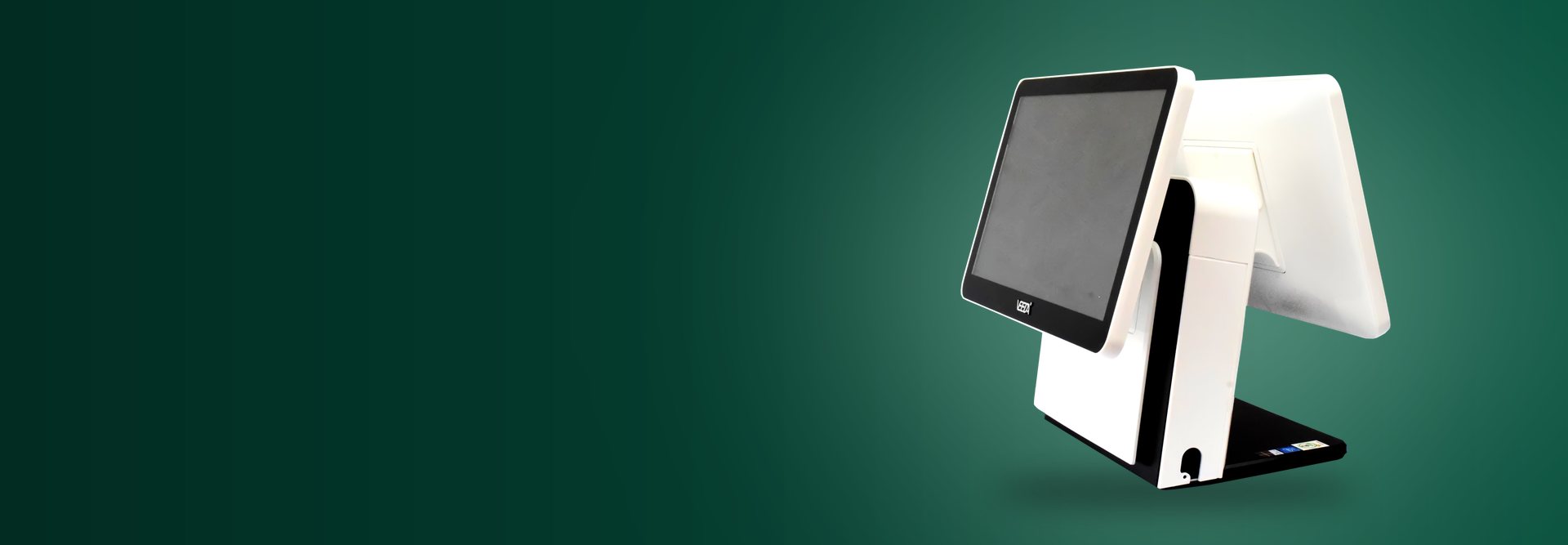
A second, customer-facing screen does two jobs at once. It lets shoppers confirm their items and totals, which cuts down on disputes at the till, and when the counter is idle it becomes free advertising space for your promotions. Across our range you can choose how big that second screen should be:
- Compact customer display: the Elite Series T100 pairs its 15.6″ touch screen with a 2×20-line VFD customer display, which is ideal for showing totals clearly.
- Mid-size promo screen: the iSeries i20 adds a 12.1″ second LCD for advertising, and the i20P and i20SE come with an 11.6″ second screen.
- Full-size promo screen: the Elite Series T200 gives customers a full 15.6″ second screen, the same size as the cashier’s, for maximum visual impact.
3. Built for real counters: heat, dust and spills
A shop counter is a tough environment. Look for a fanless mainboard: with no fan pulling in dust there is one less part to clog or fail, and the terminal runs quietly. The Elite Series T100 and T200 and the iSeries i10 and i20 are all built on professional fanless POS mainboards.
A true-flat, bezel-free touch screen is also worth having, because there is no raised edge for crumbs and grime to collect in. The i20 goes a step further with IP45 sealing against accidental liquid spills and dust, which is a real advantage in restaurants, bars and fast-food outlets.
4. Performance and storage
For everyday retail and restaurant software, an Intel dual-core processor with 4GB of memory and an SSD runs smoothly, and that is the foundation of most of our range. Storage comes in a few sizes, from 32GB to 128GB SSDs. More storage helps if you keep years of sales history or large product catalogues on the terminal itself.
If you need more headroom, the iSeries i80 steps up to an Intel quad-core processor. It also adds an HD auto-focus camera and multiple interfaces for connecting extra devices, making it a flexible choice for businesses that plan to grow.
5. Selling by weight? Combine the scale and the till
Supermarkets, provision stores and fresh-food sellers often juggle a separate scale and POS, re-typing weights by hand. The Smart PC Scale TS-215 combines both: a 15.6″ touch POS with a 15.6″ promotional second screen and a built-in electronic scale. It weighs, prices and rings up in one step, with no manual re-entry and fewer errors.
6. Check the operating system against your software
Your POS software decides which operating system you need. Some of our terminals ship with Windows POS Ready (Windows 7) and others with Windows 10. Before you buy, confirm with your software vendor which versions they support, or tell us which software you use and we will match the terminal to it.
7. Don’t forget the rest of the counter
A POS terminal is the centre of a system. Plan the whole counter together so everything connects first time:
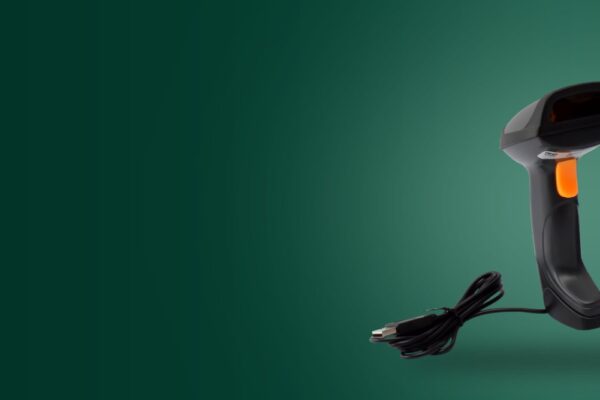
- A barcode scanner to ring up items in a second
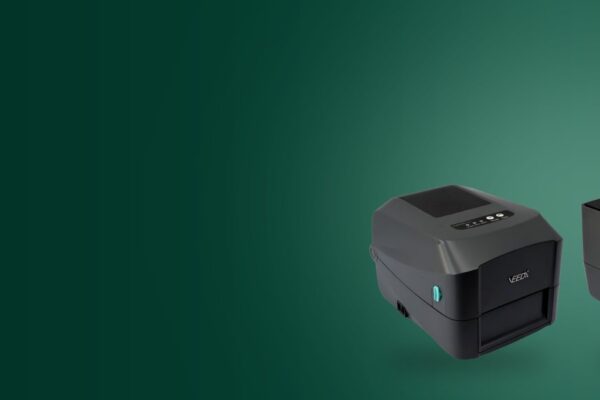
- A thermal receipt printer
- A steel cash drawer built for high-volume trading
- A customer display pole, if your terminal doesn’t have a second screen
Not sure which terminal fits?
Tell us how your business runs and we will recommend a complete setup, terminal and accessories included, with pricing tailored to the number of tills you need. Request a quote, call us on +234 703 484 1663, or visit our showroom at 2, Olu Koleosho Street, off Simbiat Abiola Road, Computer Village, Ikeja.