Almost every business prints something at the point of sale: a receipt for the customer, a price label for the shelf, a shipping label for a parcel. These jobs look similar, but they call for different printers. The key difference is how the image gets onto the paper.
Direct thermal vs thermal transfer, in plain terms
Direct thermal printers use special heat-sensitive paper or labels. The print head heats the paper, which darkens where it is heated. There is no ink, toner or ribbon to buy, so it is simple and economical. The trade-off is that direct thermal prints can fade over time, especially with heat or sunlight. That is perfect for receipts and short-lived labels.
Thermal transfer printers use a ribbon. Heat melts ink from the ribbon onto the label, giving a print that stays sharp far longer. Choose this for labels that need to last: shelf labels, asset tags, inventory and warehouse labels, and products that sit in storage.
Receipt printers: fast, quiet and reliable
For a fixed counter, the R7 thermal receipt printer prints on standard 80mm rolls at up to 200mm per second with low noise. It understands the ESC/POS commands used by most POS software and supports 68 international languages. Interface options include USB plus serial, Bluetooth, LAN or Wi-Fi, so it fits whatever your till uses. It also supports bold and enlarged text and downloaded graphics, so your logo can appear on every receipt.
Printing on the move
Not every sale happens at a counter. Delivery riders, field sales teams, market stalls and pop-up stands can print receipts on the spot with the MP80 3″ portable thermal printer:
- A 2200mAh lithium battery with up to 7 days of standby time
- USB and Bluetooth (BT3.0 and BLE 4.0), compatible with Android, iOS and Windows
- Drop-in paper loading for 80mm rolls, so changing paper takes seconds
- Prints 1D barcodes and QR codes on the receipt
Label printers: match the printer to the label’s lifespan
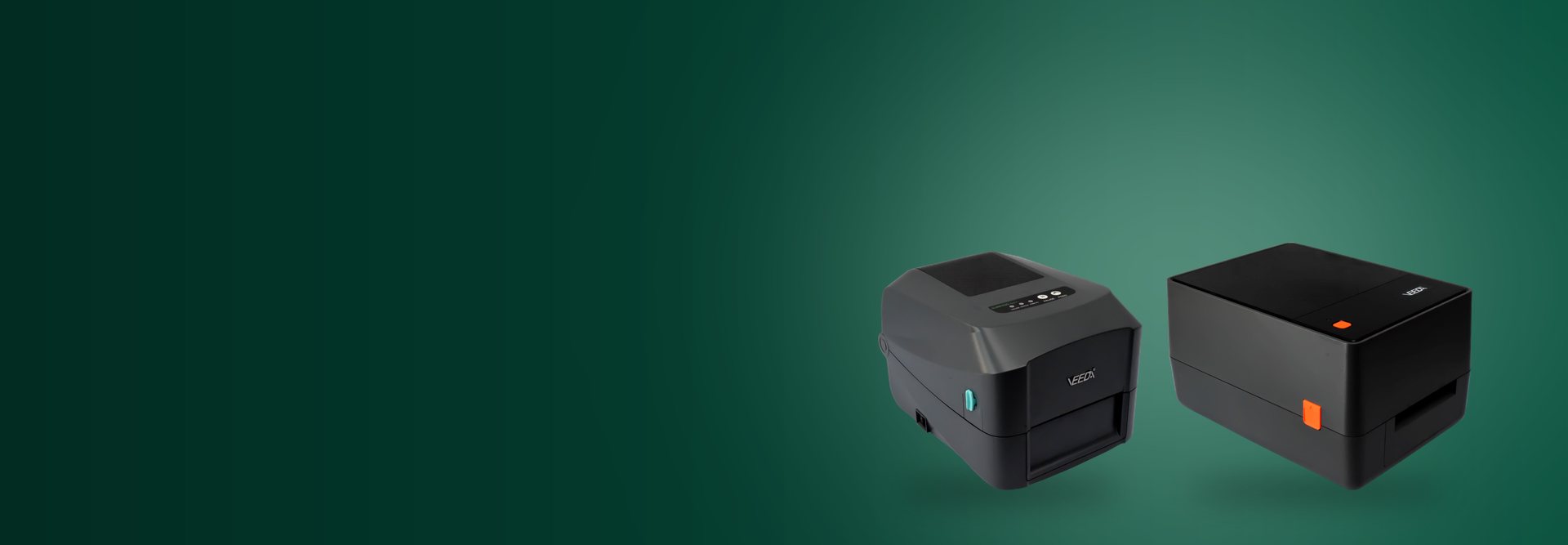
Direct thermal labels, for speed and simplicity. The VD-P3120TL and the Model 3120 print at up to 5 inches per second on thermal paper and thermal labels, with a built-in power adapter and standard USB. Automatic label positioning and a tear-off mode make them quick to use, and they work with a wide range of label design software. They are ideal for price tags, shipping labels and barcodes on fast-moving stock.
Thermal transfer labels, for durability. The VD-P1224T thermal transfer printer is built for labels that must stay readable:
- 203 DPI resolution for crisp, scannable barcodes
- 2 to 6 inches per second print speed
- Ribbon capacity of up to 300m, for fewer changes on long print runs
- Adjustable label sensor and automatic paper calibration
- Three switchable print-head pressures to suit different label materials
Quick guide
| You need to print… | Technology | Consider |
|---|---|---|
| Customer receipts at the counter | Direct thermal | R7 |
| Receipts on the go | Direct thermal | MP80 portable |
| Price tags and shipping labels | Direct thermal | VD-P3120TL / Model 3120 |
| Long-lasting shelf, asset or warehouse labels | Thermal transfer | VD-P1224T |
Get the right paper too
A printer is only as good as what goes through it. Make sure your rolls match the printer’s width (80mm for the R7 and MP80), and use the correct media for the technology: heat-sensitive labels for direct thermal, and standard labels with a matching ribbon for thermal transfer.
Explore our receipt printers and label printers, or request a quote for a complete printing setup, printers and consumables included.